check

Create smooth color transitions in 3 directions with dual-color control. Add professional, modern visual appeal to your pages.


check

Make dividers glow with customizable color and intensity. Add depth and visual interest that captures attention instantly.


check

Enhance lines with dots, arrows, diamonds, circles, stars, or hearts. Fully customizable in size and color.


Colored Lines is an advanced line divider solution for Weebly, transforming simple separators into stunning visual elements. Create professional, eye-catching dividers with gradients, glowing effects, decorative ornaments, and more—all through an intuitive drag-and-drop interface with no coding required.

✨ Premium Features

  • Beautiful Gradients: Create smooth color transitions in 3 directions (left to right, right to left, top to bottom) with dual-color control for modern, professional designs
  • Glowing Effects: Add luminous glows with complete control over color and intensity to make your dividers stand out
  • 7 Decorative Styles: Enhance lines with dots, arrows, diamonds, circles, stars, and hearts—fully customizable in size and color
  • Rounded Corners: Add border radius (0-50px) for smooth, modern line ends
  • Precise Alignment: Choose left, center, or right alignment with custom margins and padding
  • Mobile Optimized: Automatically adapts for perfect display on all devices with responsive design
  • Performance Focused: Lightning-fast load times with optimized rendering

🎯 Perfect For

  • Section dividers that capture attention and guide the eye
  • Professional content separators for blog posts and articles
  • Elegant dividers below headings and titles
  • Modern business sites and corporate pages
  • Creative portfolio and agency websites
  • E-commerce product category separators

🚀 Easy to Use

Simply drag and drop Colored Lines into your pages, posts, or products just like any other Weebly element. Customize every aspect through our organized settings panel with helpful tooltips and real-time preview. Start with basic solid lines or create beautifully decorated designs—it's all point-and-click simple.

⚙️ Powerful Customization Options

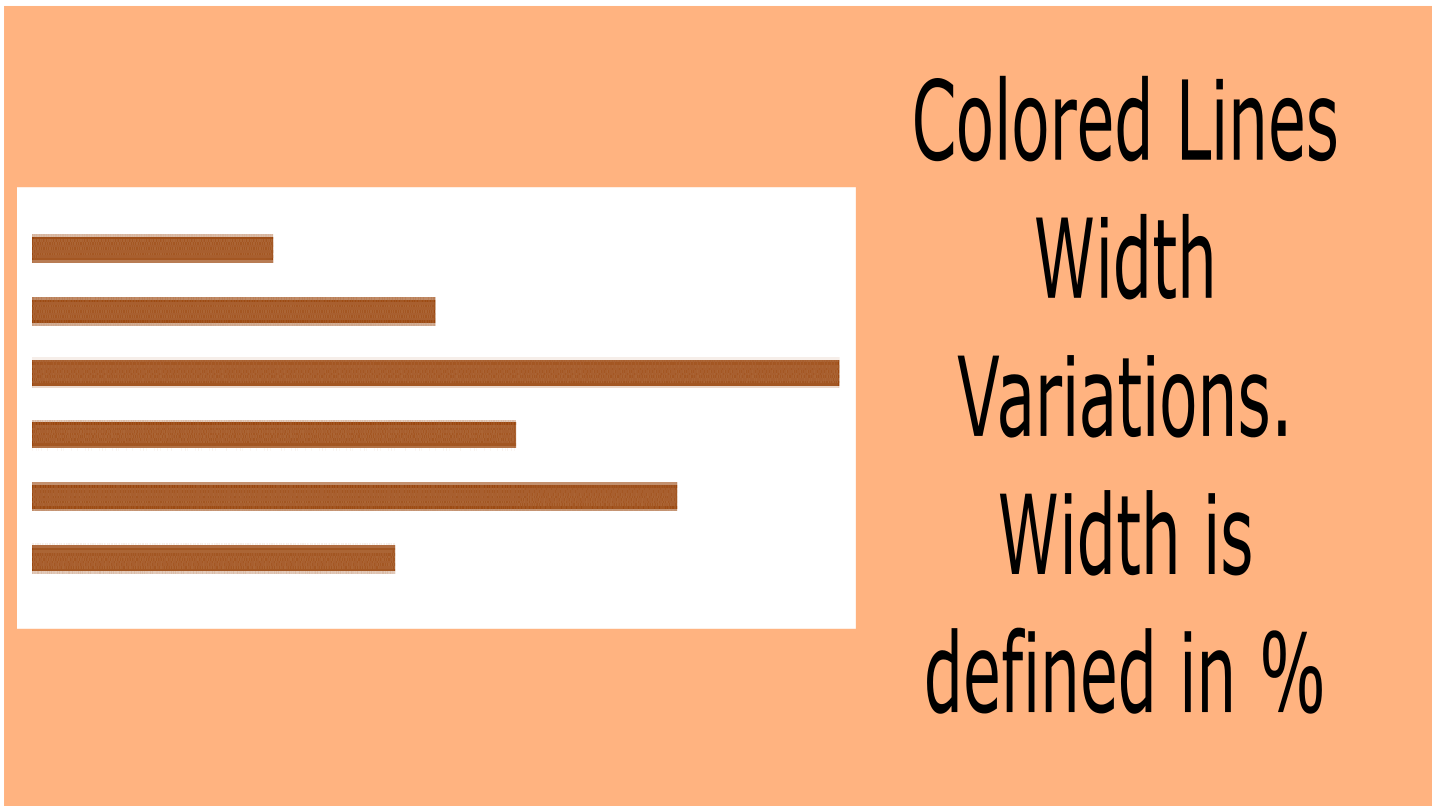
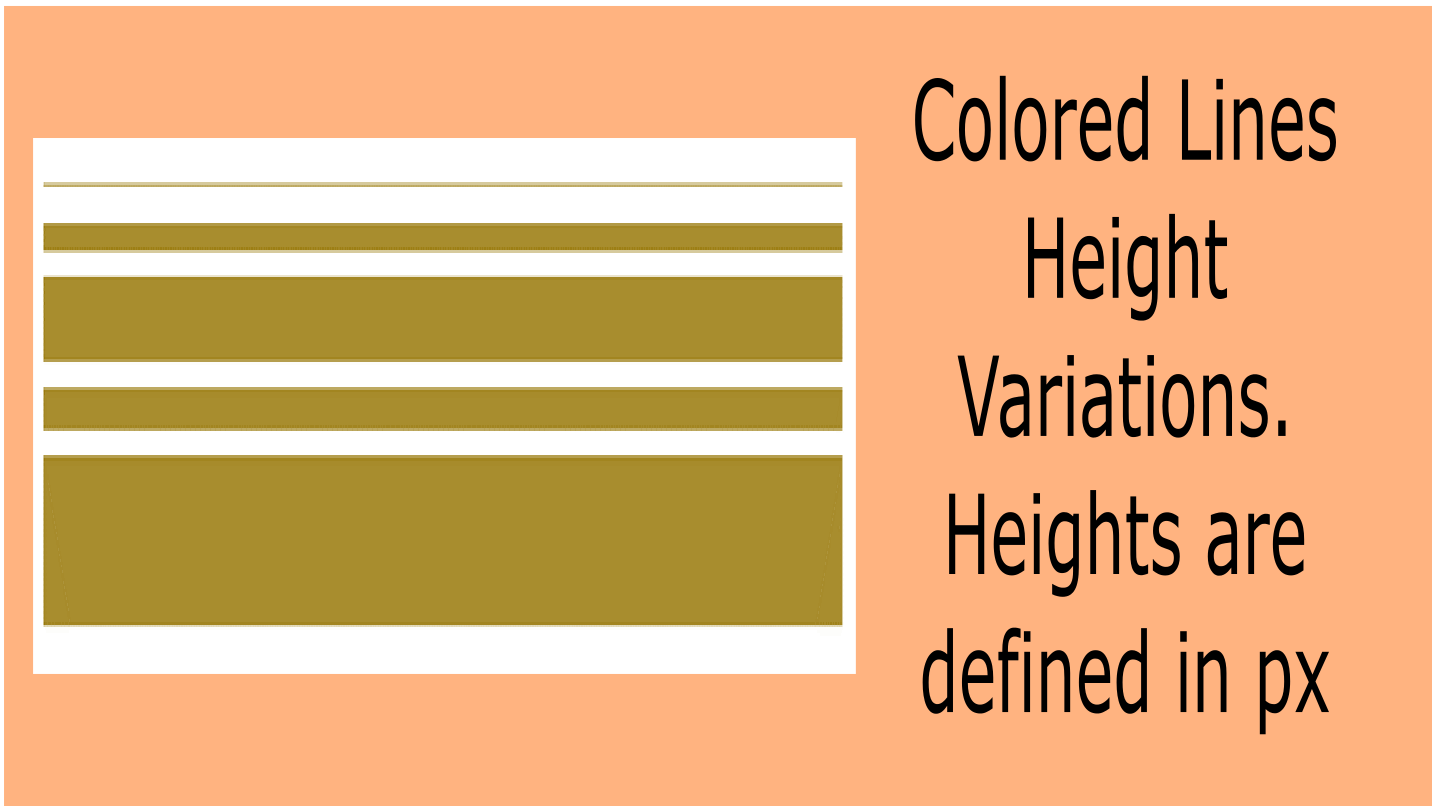
  • Size Control: Adjust width (1-100%) and height (1-50px) for perfect proportions
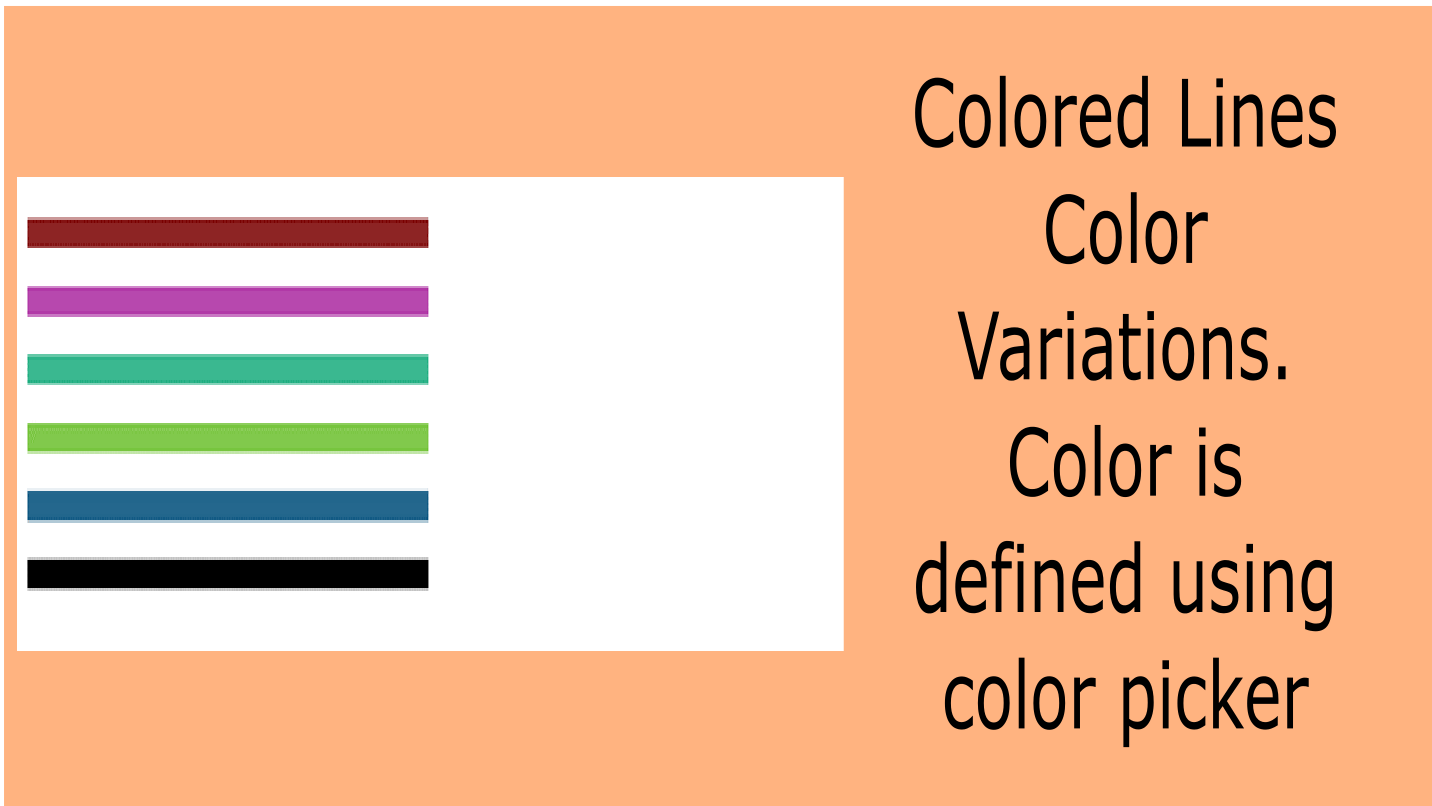
  • Color Options: Choose any color with the built-in color picker for lines, gradients, glows, and decorations
  • Positioning: Left, center, or right alignment with customizable margins (0-200px) and padding (0-100px)
  • Gradient Effects: Create stunning two-color transitions in three directions
  • Glow Effects: Add depth and dimension with professional lighting effects (0-50px intensity)
  • Decorative Accents: Choose from 7 ornament styles to match your design aesthetic
  • Border Radius: Round line ends from sharp (0px) to fully rounded (50px)

📱 Mobile & Responsive

All designs automatically adapt for perfect display on smartphones, tablets, and desktop computers. Your dividers will look amazing on every device, with smart optimizations for smaller screens.

🔄 100% Backward Compatible

Upgrading from a previous version? Your existing dividers will continue to work exactly as before. New features are optional enhancements you can explore at your own pace—no migration or updates required.

💡 Use Cases

  • Separate blog post sections with elegant gradient lines
  • Create eye-catching dividers between portfolio projects
  • Add professional separators in business presentations
  • Design stunning landing pages with glowing effects
  • Enhance product pages with decorative dividers
  • Build modern websites with gradient color transitions

Our Other Apps:

  1. SEO Headlines
  2. Multi Column Blog
  3. Video Lightbox
  4. Masonry Layout
All in One

$9.99/yr
Line Width
Width of colored line divider is defined in percentage e.g to create full width line change the line width to 100%
check
Line Height
Height of the line divider is defined in pixels. It controls the height of the line
check
Line Color
Color of the line divider is defined using color picker
check
Beautiful Gradient Effects
Create stunning color transitions with our new gradient system.
check
Glowing Effects That Pop
Make your dividers truly stand out with customizable glow effects.
check
Seven Decorative Styles
Choose from seven ornament styles to enhance your gradient line divider
check
Border Radius Control
Round your line ends from sharp corners (0px) to fully rounded (50px) for a softer, more modern look.
check
100% Backward Compatible
Upgrading from v1.0.1? Your existing dividers continue working exactly as before. New features are optional enhancements you can explore at your own pace.
check
starsmall starsmall starsmall starsmall starsmall
8 Ratings
  • starsmall starsmall starsmall starsmall starsmall
    starsmall starsmall starsmall starsmall starsmall
    Weebly User Jul 13, 2022
    The best bang for your buck is to buy the CODOPLEX Bundle for $49.99! The apps (i.e. SEO Headlines, Colored Lines, Image Overlay, Image Text, Codo Tabs, etc.) are great and easy to integrate with other apps! Go CODOPLEX Go!

    Colored Lines Nov 08, 2022

    Thanks for the feedback and appreciation.

  • starsmall starsmall starsmall starsmall starsmall
    starsmall starsmall starsmall starsmall starsmall
    Weebly User Jul 29, 2021
    Diese App gefällt sofort. Die Einstellungsmöglichkeiten sind komfortabel, insbesondere finde ich gut, dass die Farbe per Farbcode, z.B. #ff8000 genau gewählt werden kann. Sehr empfehlenswert! Pedro

    Colored Lines Sep 29, 2021

    Thanks for the feedback and appreciation.

  • starsmall starsmall starsmall starsmall starsmall
    starsmall starsmall starsmall starsmall starsmall
    Larry Wade Aug 24, 2020
    Adding horizontal lines in the color of your choice makes a pleasing eye-catching difference to any web design. Colored Lines has quickly become one of my most used apps.

    Colored Lines Mar 19, 2021

    Thanks for the appreciation.

  • starsmall starsmall starsmall starsmall starsmall
    starsmall starsmall starsmall starsmall starsmall
    Katja Loeffler Aug 28, 2018
    Prima App. Sehr schön, das die Länge, Breite und Farbe einstellbar ist. Ich verwende die App sehr gerne, nicht nur um Überschriften hervorzuheben, sonder auch als Teiler.

    Colored Lines Mar 19, 2021

    Thanks for the appreciation.

  • starsmall starsmall starsmall starsmall starsmall
    starsmall starsmall starsmall starsmall starsmall
    Tina Elven Oct 05, 2017
    Great to have more flexibility with the choice of lines in Weebly, has worked well for my site to make it stand out more.

    Colored Lines Oct 07, 2017

    Thanks for the appreciation

  • starsmall starsmall starsmall starsmall starsmall
    starsmall starsmall starsmall starsmall starsmall
    Bill Johnston Jul 27, 2017
    The app works great, the margin issue is generally padding with the css for h2.

    Colored Lines Oct 07, 2017

    Thanks for the appreciation. Your appreciation motivates us to create more apps.

  • starsmall starsmall starsmall starsmall starsmall
    starsmall starsmall starsmall starsmall starsmall
    Weebly User Jul 07, 2017
    Colored lines is now working well. They fixed it some time ago. Sorry I didn't get back to change my review earlier. I now can put this on all my sites : ) Just Awesome!

    Colored Lines Oct 07, 2017

    Thanks

  • starsmall starsmall starsmall starsmall starsmall
    starsmall starsmall starsmall starsmall starsmall
    Blissful Yogi May 05, 2017
    The app is very nice, except that even when I made top margin =0, there is still lot of space above the line. Could you help make it really no padding above the line, just like the way weebly works. Otherwise, it's not of much use to me. Thanks a lot.

    Colored Lines May 13, 2017

    Thanks for the feedback. I think it's not due to the app rather the element above colored lines may have a bottom margin defined in your theme. Because when we designed the app we made padding and margins 0. Using app settings panel you can adjust top margin and bottom margin.

1 - 8 of 8