About
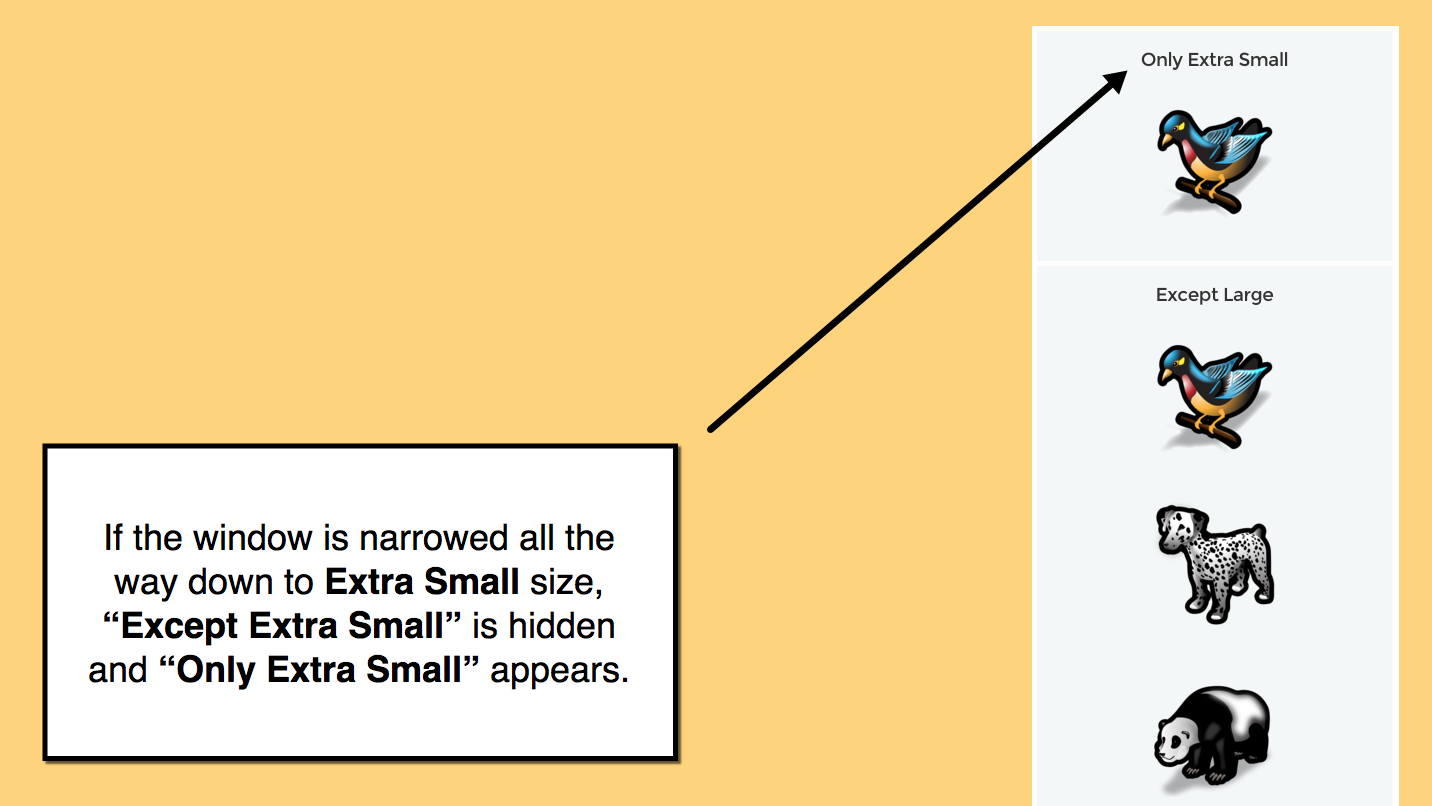
Weebly web sites use responsive layouts, meaning: the content on each page is automatically rearranged to accommodate the size of the browser window. But, you might have a situation where certain content is only appropriate at a certain window size. For example, you might have an ad for your mobile app, and don't want that ad to display when your site is viewed from a desktop browser.
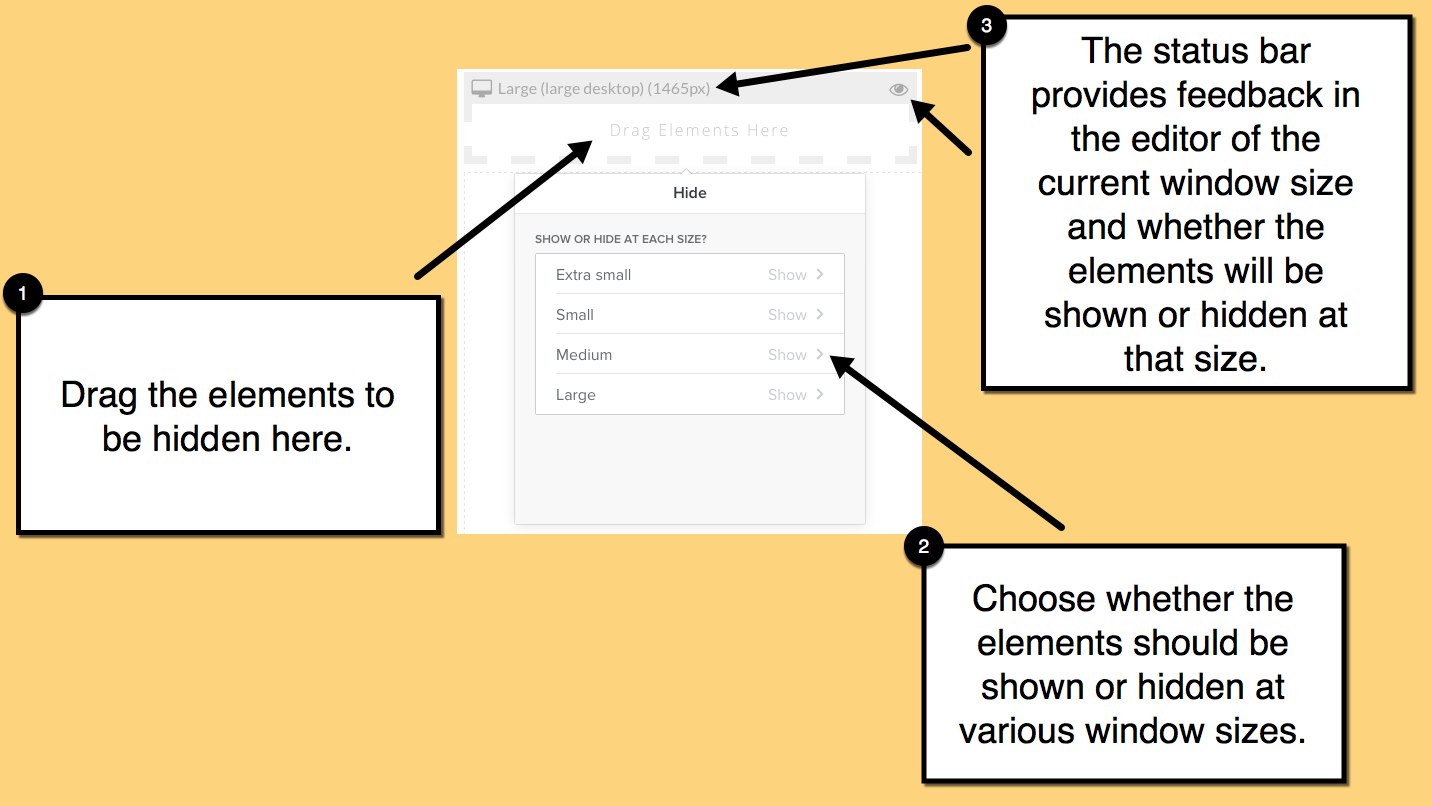
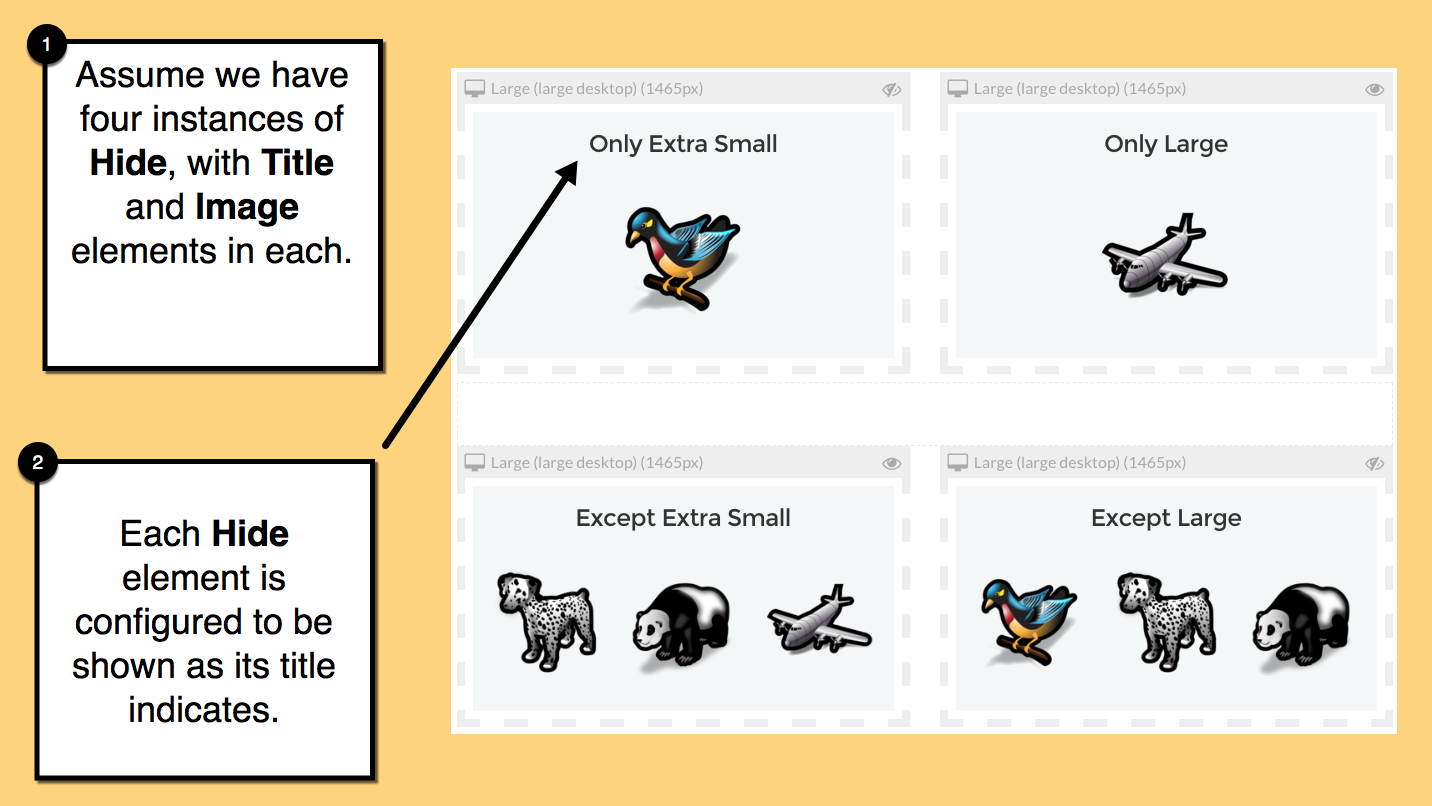
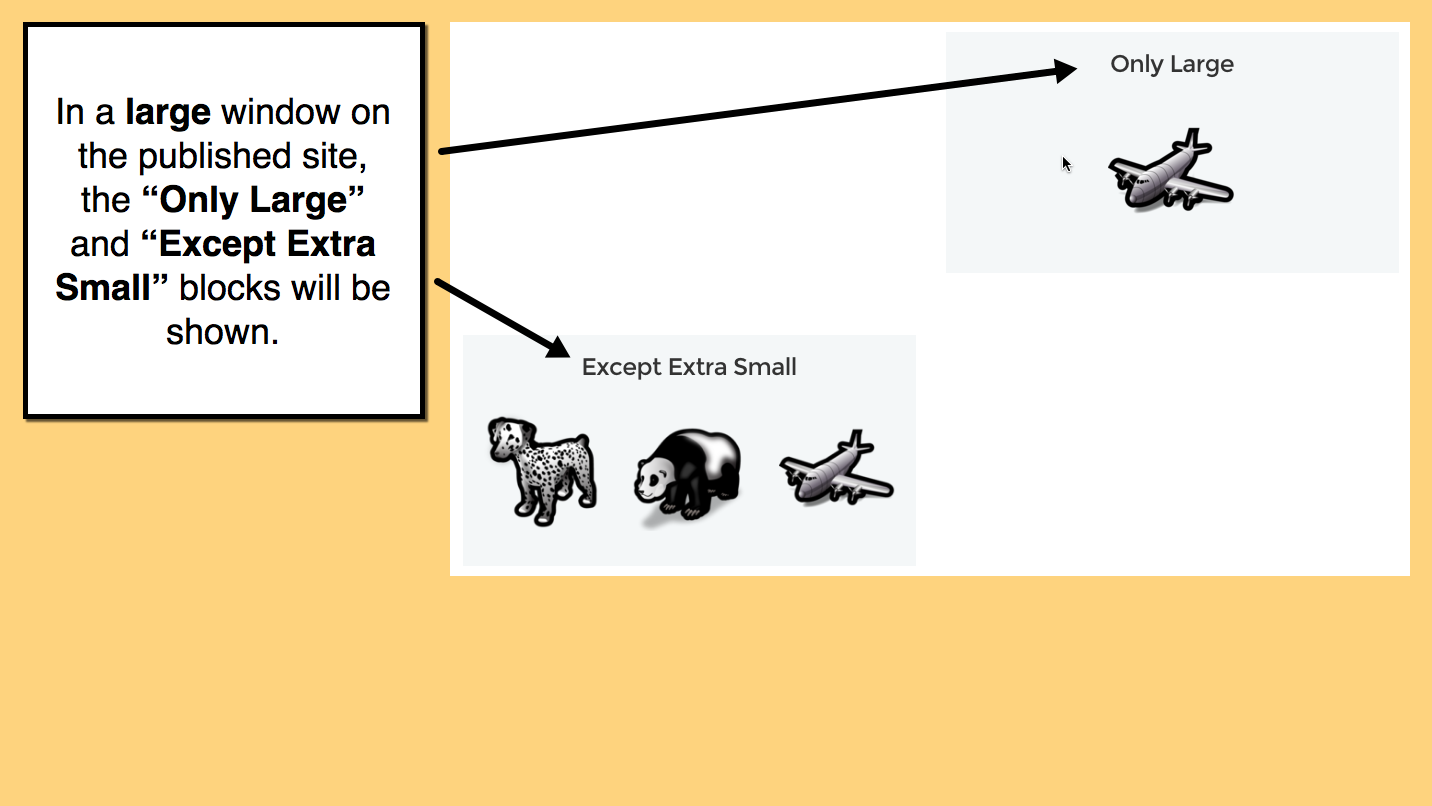
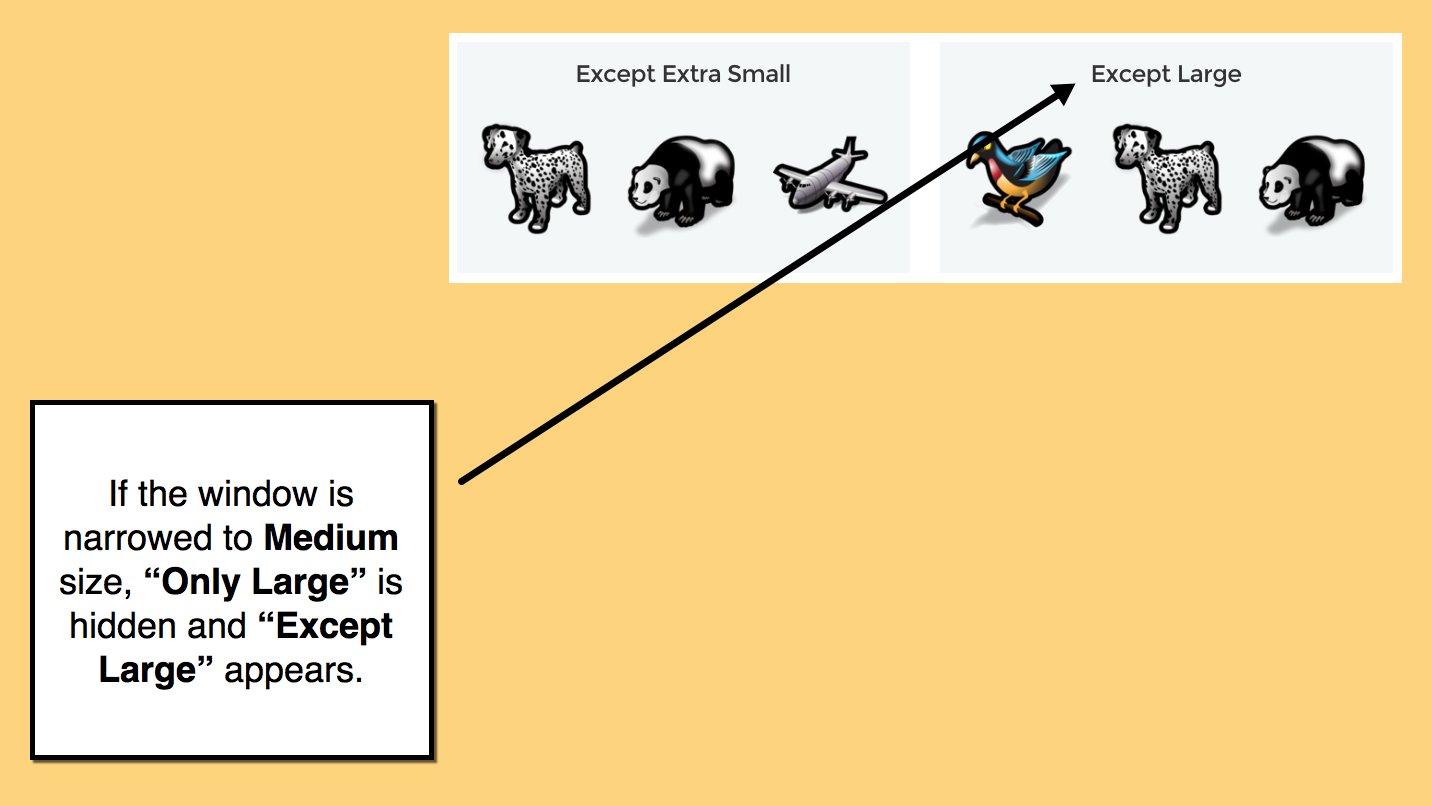
HIDE allows you to specify whether a given collection of elements should be shown or hidden at each of the following window sizes:
- Extra small (phone, small tablet)
- Small (tablet, small laptop)
- Medium (laptop, small desktop)
- Large (large desktop)
Pricing
Free
$0
$0
Full functionality
check
Reviews
-
Lori Bogedin Jun 20, 2023bad link could not connect? Every time I tried to connect the app it went to a page that said the link was bad.
-
Yonatan Hart May 21, 2023Works for some elements, not all. I tried hiding X Divider on mobile, but it still shows up. Same goes for the Spacer app.
-
Javier Jimenez Mar 20, 2023Excelente, cumple con su objetivo, recomendada
-
CTF Evaluation Aug 04, 2022It just works. Weebly is very limited with its options for mobile scaling. This app fills the gap. Is it perfect no. But it does what I need it to do.
-
Paul Arthur Jul 17, 2022This made very light work for a payment processing page I was building using embedded elements. Thank You.
-
Diane Welch Feb 18, 2022This app didn't work at all. I downloaded it and put it on my website, only to find that I couldn't make any selections on what to show and what to hide.
-
Weebly User Dec 12, 2020This app is a game-changer. It does what it says, it does and does it well. The only drawback is that I've noticed modifying anything after putting it on the website is painfully slow. But, that's a small price to pay for what you end up getting! The end result makes the wait worth it!
-
Multi Expert Jul 24, 2020This app is perfect, it works perfectly now my site looks perfect on mobile. This app deserves 5 stars.
-
-
Sotos Kasopas Mar 24, 2020need a hide/unhide button on the actual site. is this possible?
1 - 10 of 37